

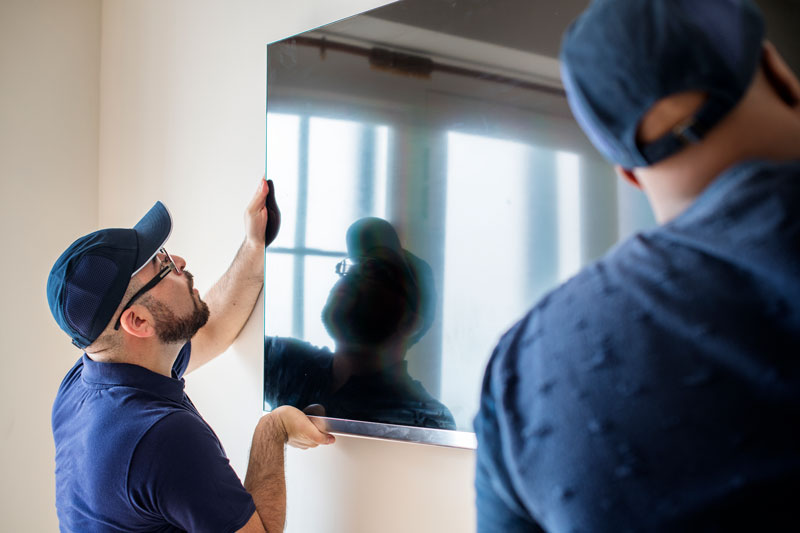
You’ve just brought home a brand new, beautiful flat-screen TV. The picture is incredible, and you can’t wait to get it set up. But now comes the most important decision: where should you mount it on the wall? Choosing the right location and height is about more than just aesthetics; it’s crucial for achieving the best possible viewing experience and avoiding neck strain. A professional TV mounting service takes the guesswork and the risk out of this process, ensuring your expensive new television is perfectly positioned, level, and, most importantly, secure.
The Number One Factor: Viewing Height
The single biggest mistake people make when mounting a TV is placing it too high. The common instinct is to hang it above a fireplace or high on a large wall, similar to a piece of art. This is almost always incorrect and leads to an uncomfortable viewing experience. Just like plumbers or locksmiths, tasks that require specialized expertise need to be performed by professionals to avoid damaging mechanisms.
- The Rule of Thumb: For the optimal, most ergonomic viewing angle, the center of your television screen should be at eye level when you are seated.
- How to Measure: Sit on your sofa or the primary viewing chair in the room. Have someone measure the height from the floor to your eye level. This measurement should be the centerline of your TV. For most living room setups, this means the center of the TV will be around 42 inches from the floor.
- Why it Matters: Mounting a TV too high forces you to constantly crane your neck upwards to watch it. Over time, this can lead to significant neck and shoulder pain. As ergonomists and home theater experts at publications like CNET frequently advise, mounting a TV above a fireplace is one of the most common and uncomfortable mistakes in home entertainment setup.
Considering Viewing Distance and Glare
- Viewing Distance: The size of your TV will also influence how far away you should sit. A larger screen allows for a greater viewing distance. There are many online calculators that can help you find the sweet spot for your screen size, but a professional installer can help you assess your room’s layout to find the best compromise between height and distance.
- Glare: Before you drill any holes, consider the light sources in your room. Will light from a window or a bright lamp reflect off the screen during the day? Try holding the TV in the proposed location at different times of the day to check for glare. Using a tilting or full-motion wall mount can help to mitigate glare issues by allowing you to angle the screen away from the light source.
The Importance of Secure Mounting
Once you’ve chosen the perfect spot, the TV must be mounted securely. This is not the place to cut corners. A modern flat-screen TV is heavy, and a fall can destroy the television and cause serious damage to your wall, your floor, or even a person.
A professional installer will:
- Locate Wall Studs: The mount must be anchored directly into the solid wood studs behind your drywall. Simply using drywall anchors is not safe and will eventually fail.
- Use the Right Hardware: They will use the appropriate lag bolts and hardware to ensure the mount is securely fastened to the studs.
- Ensure it’s Level: A perfectly level TV is essential for a professional look.
Your Coachella Valley TV Mounting Service Experts
Don’t risk your new investment or your neck by guessing where to mount your TV. A professional installation ensures a perfect, safe, and comfortable viewing experience. For homeowners throughout the Coachella Valley, the team at B Frye The Handy Guy provides expert and precise TV mounting services. Contact us today to get your new TV on the wall perfectly.